Have Your Staff Working At Home

Elena Rodriguez
Certified Financial Planner · Updated September 2026
Elena Rodriguez
Certified Financial Planner · Updated September 2026
The shift toward a distributed workforce is no longer just a temporary reaction to global trends; in 2026, it has become a permanent strategic choice for many small businesses and solo entrepreneurs. However, making the decision to have your staff working at home involves more than just updating an employee handbook. It requires a fundamental rethink of how capital is allocated from physical office space toward digital infrastructure and individual workstation support. For many leaders, this transition can feel like a sudden financial shock if not planned with precision.
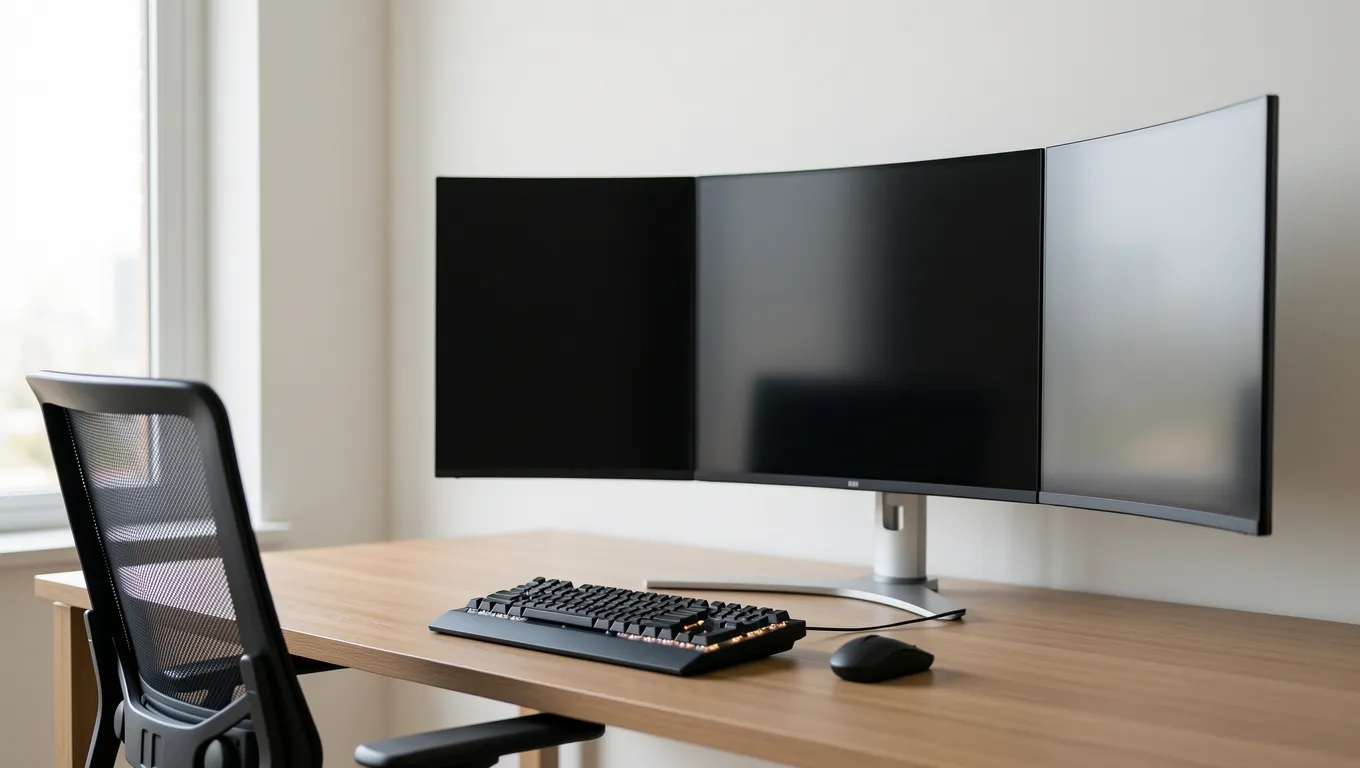
When you move away from a centralized office, your spending profile shifts from fixed rent to variable equipment costs and technology stipends. A typical high-quality home office setup—including an ergonomic chair, a dual-monitor configuration, and a reliable laptop—can cost anywhere from $800 to $2,500 per person. For a small team of five, this represents an immediate capital requirement of up to $12,500. Without liquid cash on hand, many business owners find themselves looking for ways to bridge the gap between their current savings and these sudden operational needs.
This article will help you navigate the financial complexities of managing a remote team. We will explore how to budget for hardware, compare different funding strategies, and identify the common pitfalls that can lead to unnecessary debt. Please note that while personal loans may offer a way to fund these transitions, every decision should be made based on your specific long-term financial health. By understanding the true cost of remote work, you can build a sustainable model that supports both your staff and your bottom line.
Transitioning to a remote model often results in an immediate reduction in overhead, specifically regarding commercial real estate. However, the money saved on monthly rent is frequently redirected toward 'invisible' costs that arise when your team operates from various locations. In 2026, these costs include high-speed internet subsidies, cybersecurity software licenses for home networks, and the logistical expense of shipping hardware to employees.
One often overlooked cost is the 'productivity gap' caused by inadequate home setups. If an employee is working on a five-year-old laptop that struggles with video conferencing, you are essentially paying for wasted time. Investing in updated technology can be seen as a capital expenditure rather than just a recurring expense. For example, consider a scenario where a small firm decides to upgrade three employees' hardware:
When calculating these costs, it is vital to look at the total cost of ownership. It is not just about the price tag on a laptop today; it is also about the subscription fees for cloud-based collaboration tools like Slack or Zoom that become even more critical when you lack face-to-face interaction. Managing these moving parts requires a clear view of your monthly cash flow to ensure that your savings from rent don't simply vanish into a sea of small, recurring digital subscriptions.
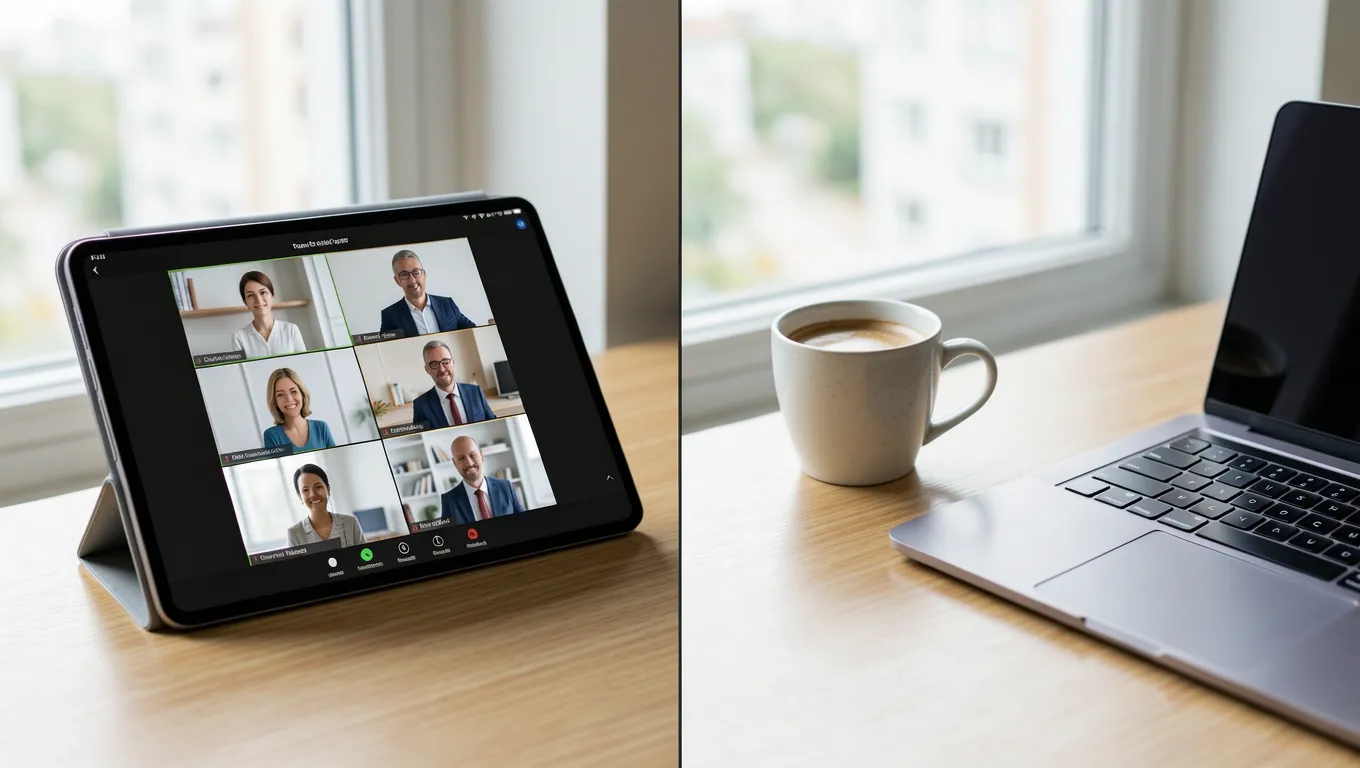
For many business owners, the choice is between maintaining a traditional office or moving toward a fully remote model. This comparison is rarely a simple matter of 'rent vs. no rent.' Instead, it is a trade-off between predictable monthly expenses and more variable, but often lower, operational costs. In 2026, many companies are opting for a hybrid approach, which introduces its own set of financial complexities.
Let's look at two distinct strategies:
While Strategy B often looks cheaper on paper, it requires much more active management of your cash flow. If you choose to offer a $100 monthly stipend for internet and utilities to ten employees, that is an additional $12,000 per year in variable costs. You must ensure that the savings from your lease are actually greater than these cumulative stipends. Many owners find that while Strategy B saves money, it requires a more robust approach to managing liquidity to cover those monthly payouts without disrupting other business operations.
When you need to equip your team quickly, but your revenue is tied up in accounts receivable, you may find yourself needing a way to access capital. For micro-entrepreneurs and small business owners, personal loans can sometimes serve as a bridge to fund these essential technology upgrades. It is important to understand that using credit to fund equipment is an investment in your team's ability to perform their jobs effectively.
Let's walk through three realistic financial scenarios for someone looking to outfit a growing remote team:
When reviewing these numbers, always look at the total amount you will have paid back by the end of the term. A lower monthly payment often means a longer term, which increases the total interest paid over the life of the loan. It is essential to balance your immediate need for equipment with your ability to comfortably afford the monthly commitment without straining your business's operating budget.
The most difficult part of transitioning to a remote workforce is not the initial setup, but managing the cash flow during the transition period. There is often a 'lag' between when you have to pay for new equipment and when you see the benefits of increased productivity or reduced rent. This gap can create significant tension in your monthly budget if you are not prepared.
To manage this effectively, consider using a decision framework for any major remote-work expense:
Some business owners prefer to keep their personal and business finances strictly separate, which is a sound practice for long-term stability. However, in the early stages of transitioning to remote work, some may find that using a personal loan provides the necessary flexibility to get a team operational without taking on heavy commercial debt. Whatever path you choose, ensure that your decision aligns with your ability to maintain a healthy cash cushion for unexpected business expenses.
As businesses move toward remote models, it is easy to fall into several financial traps that can jeopardize long-term stability. One of the most common mistakes is the 'lifestyle creep' of office perks. This occurs when a business owner replaces expensive office amenities with high-end home stipends or luxury equipment for staff without a clear understanding of why those expenses are necessary for productivity.
Another significant pitfall is the failure to account for cybersecurity costs. In an office, your network is contained; in a remote environment, every employee's home router becomes a potential entry point into your business data. If you spend all your budget on hardware but neglect security software and training, one single breach could cost more than any amount of rent you saved. Always prioritize 'security-first' spending when building out your remote infrastructure.
Finally, be wary of the temptation to use high-interest credit cards for quick equipment fixes. While a credit card might seem easy to use at checkout, its APR is typically much higher than a structured personal loan. For example, if you put $5,000 of equipment on a credit card with 24% interest instead of a personal loan at 12%, the cost of that equipment effectively doubles over time. Always look for lower-cost financing options whenever possible to protect your profit margins.
Planning for a remote workforce requires a shift from reactive spending to proactive investment. Instead of waiting for an employee's laptop to break before replacing it, successful remote-first companies create a 'refresh cycle' budget. This allows you to spread the cost of hardware over several years, making your cash flow much more predictable.
To implement this, start by creating a centralized inventory of what everyone has and when it will need replacement. In 2026, as technology continues to evolve rapidly, a three-year refresh cycle for laptops is becoming the industry standard for many tech-dependent roles. By budgeting for one laptop upgrade every year across your team, you avoid the massive 'lump sum' shocks that often occur when an entire fleet of hardware reaches its end-of-life simultaneously.
Ultimately, having your staff working at home can be a powerful tool for talent acquisition and cost management if handled with discipline. It allows you to hire from wider geographic areas and reduces the need for expensive downtown office space. However, it only works if the financial foundation is solid. By treating remote transitions as a structured capital investment rather than an administrative change, you set your business up for sustainable growth in a digital-first economy.